
Free AI Anime Generator
Type what you want — a character, a scene, whatever — pick a style, and the image shows up in seconds. Or upload a photo and turn it into anime. 100 free credits every day.
Explore anime styles
One prompt, six styles. Click a card to try it yourself.
From prompt to anime art in three steps
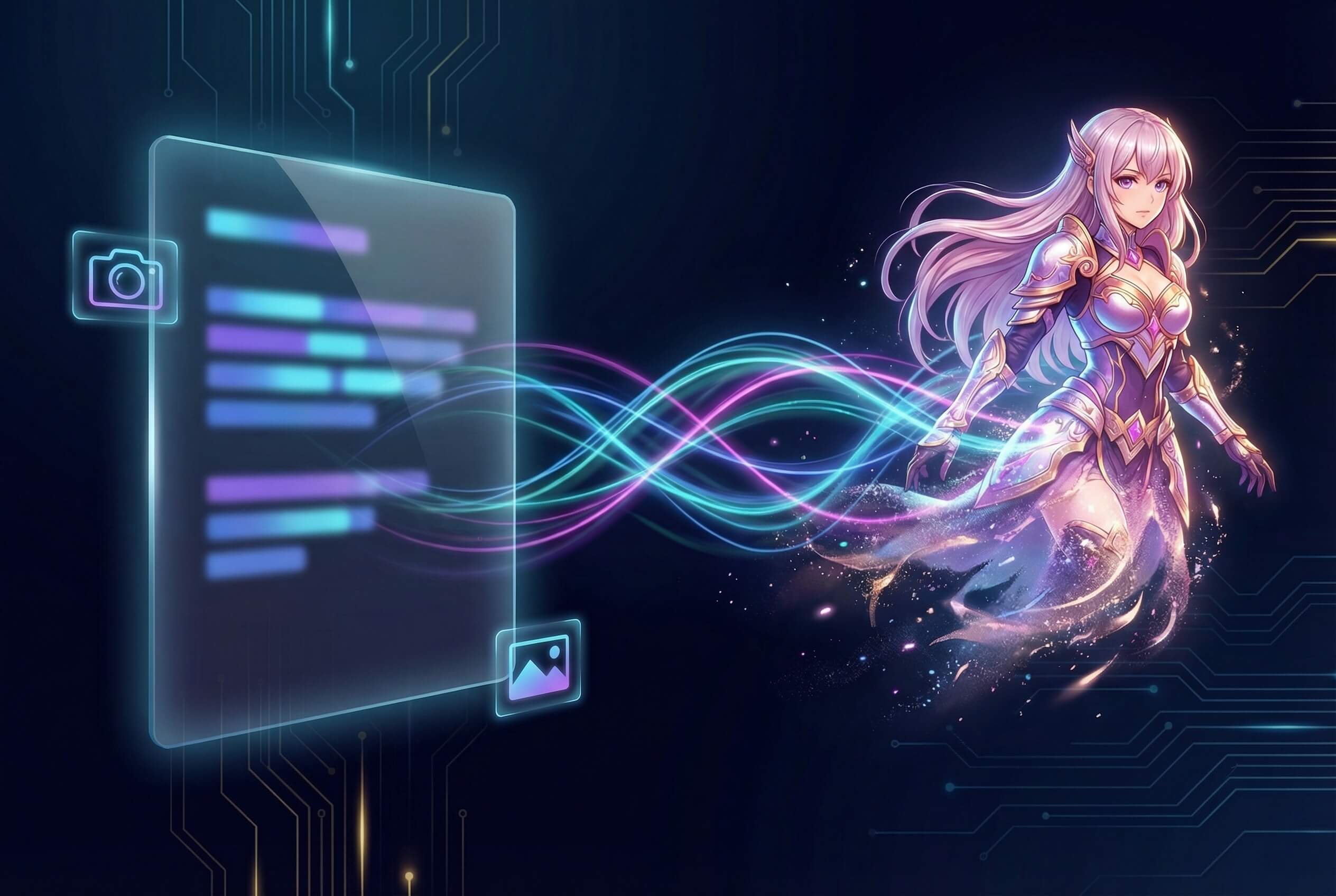
Describe or upload
Write a prompt for the anime character or scene you have in mind and pick a style. Or drop in a photo — the AI redraws it as anime art. Portraits, pets, landscapes, they all work.
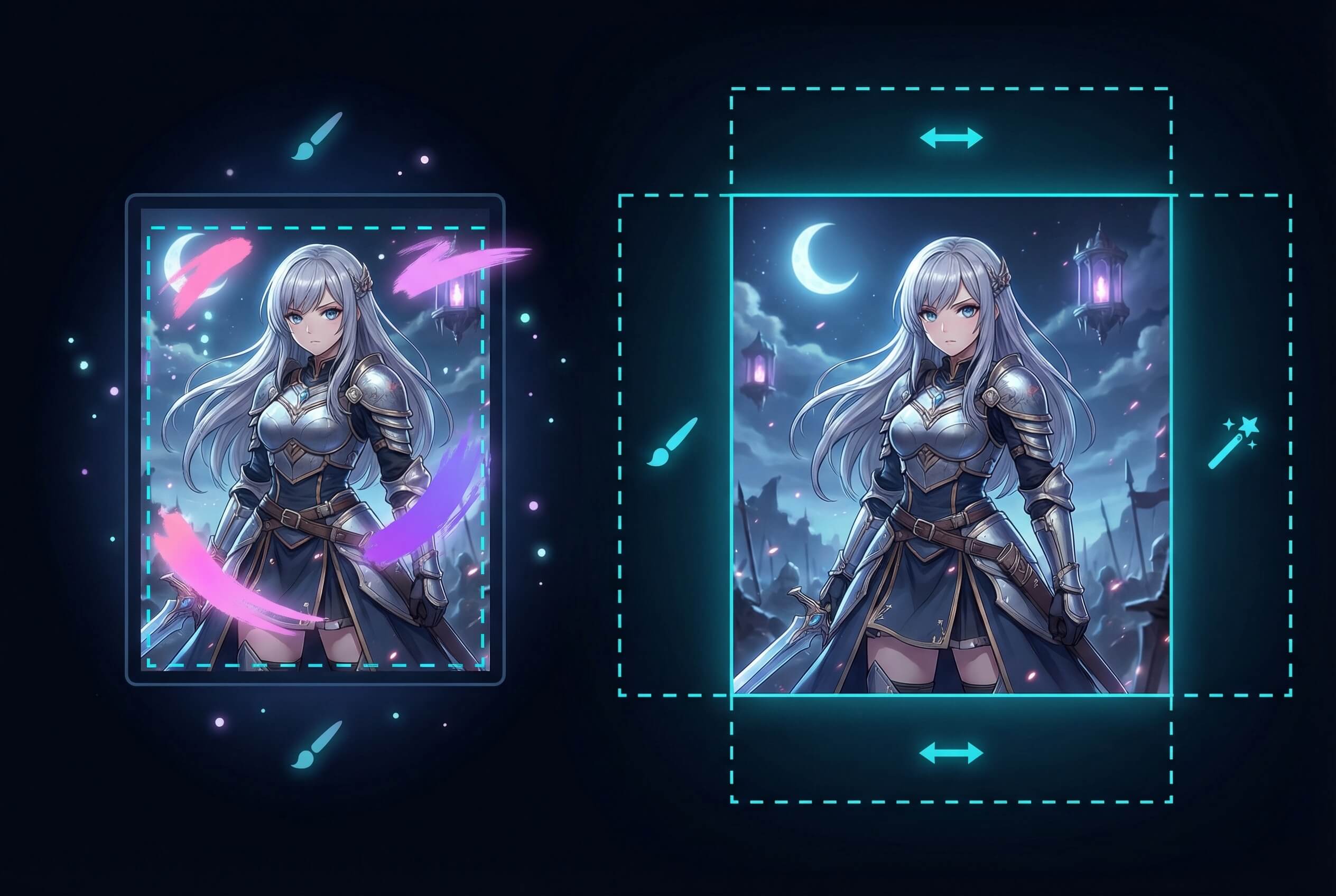
Edit what you don't like
Paint over an area to redraw just that part. Extend the canvas if you need more background, or strip the background out entirely. Everything else stays untouched.
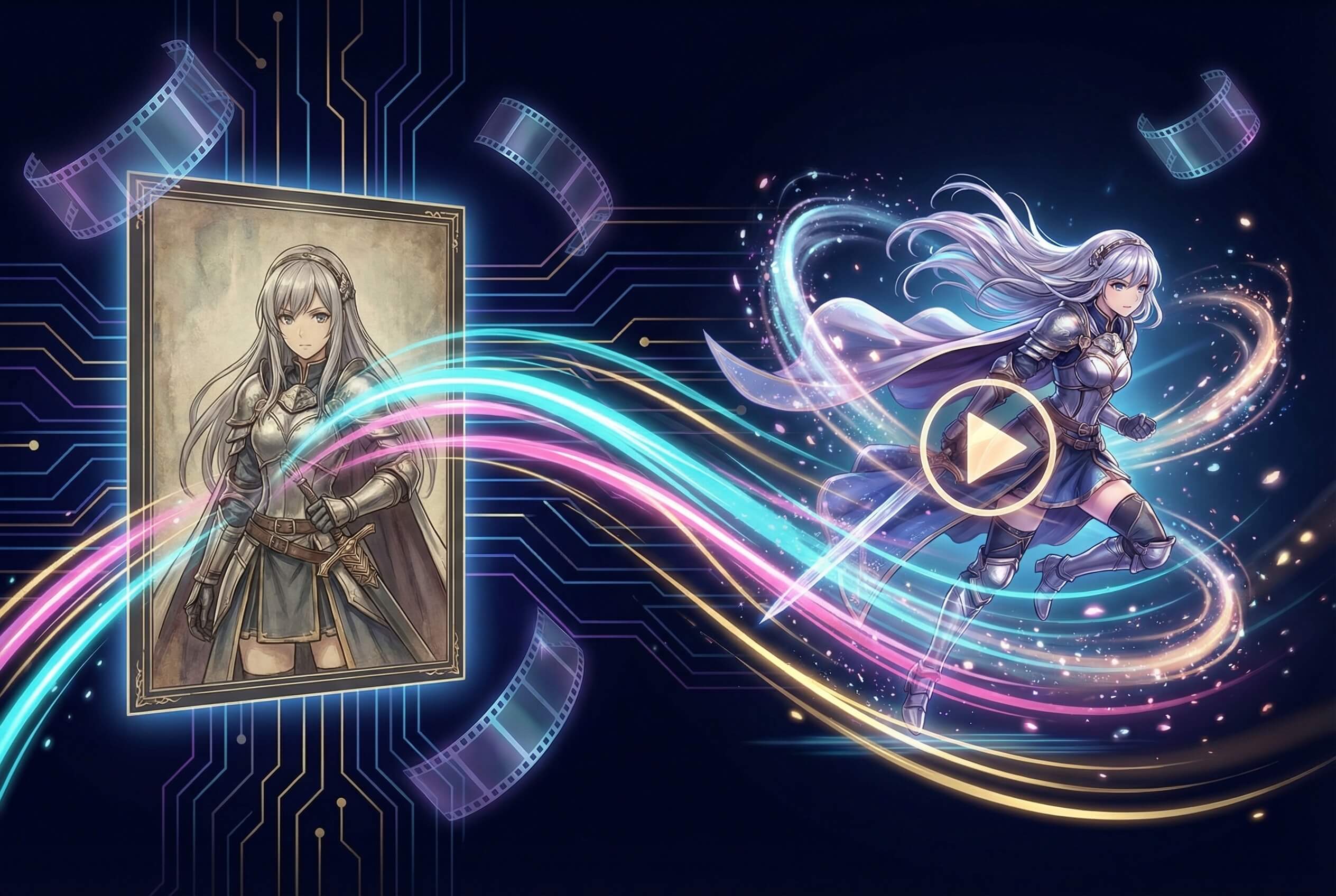
Animate or download
Turn the result into a short animated video, or grab the still in up to 4K — no watermark either way. You can reuse it as a reference for your next image too.
Frequently Asked Questions
Is this really free? What are the limits?
Every account gets 100 credits per day, refreshed at midnight. One anime image runs about 20 credits, so roughly 5 images a day at no cost. No watermarks on anything, free or paid.
Can I turn my photo into anime?
Upload a photo as a reference, then describe the anime style you want. The AI keeps your face and pose but redraws everything in that style. Clear, well-lit photos work best.
How do I get better-looking results?
Be specific. Instead of "anime girl", write something like "a girl with short blue hair in a school uniform standing under cherry blossoms, soft lighting, classic anime style". Include the art style (Ghibli, manga, chibi), lighting, mood, and what's in the background. Don't mix contradictory instructions — "chibi" and "hyperrealistic" in the same prompt won't end well.
What styles and resolutions are available?
9 style presets — anime, manga, cartoon, watercolor, realistic, and a few more. Resolution goes up to 4K. There are 18 aspect ratios (1:1, 16:9, 9:16, 3:4, etc.), or just leave it on auto.
What models power this tool?
Nano Banana Pro (built in-house), FLUX Pro, GPT Image, and Imagen, among others. The default "Auto" mode picks whichever model fits your prompt best. You can lock in a specific one if you have a favorite.
Can I create consistent anime characters across multiple images?
Upload the same reference image each time and keep your prompt wording similar. Image-to-image mode helps the generator hold onto face shape, hair color, and outfit across poses. A clean front-facing portrait as your base image helps a lot — probably the single most useful trick.