Your First AI Employee

Your data, your machine, privacy by design
Learns your context, preferences, and your habits
Works in WhatsApp, LINE, Slack, Teams, Telegram, and more
Research, slides, docs, calendar, code and more, delivered back to you
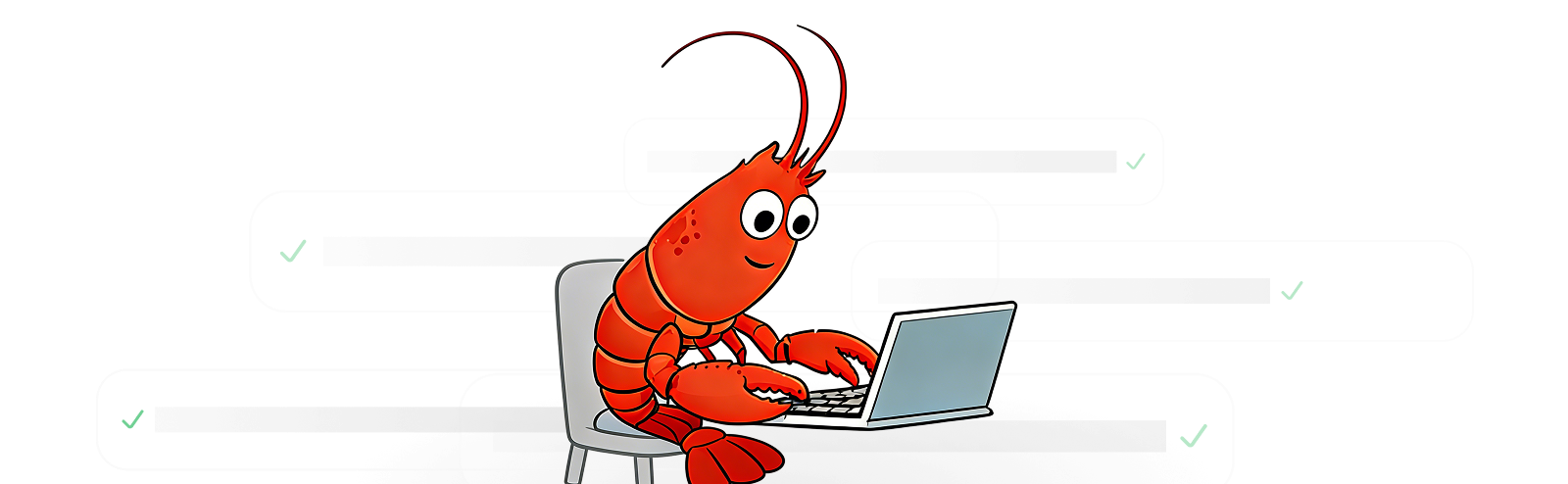
Genspark Claw is an AI that works for you on its own cloud computer. It is built on the OpenClaw AI agent framework, the same technology behind the agent runtime. The difference is you don't have to set anything up. Genspark hosts the machine, pre-installs the skills, and wires up the messaging apps. You just sign in and start giving it work.
The short answer is most of the stuff you'd hand off to a junior hire. Research a topic, send a follow-up email, book a meeting, put together a slide deck, generate product images, even make a phone call. It logs into Google Workspace, Outlook, GitHub, Salesforce, and other services on your behalf. And because it runs on a dedicated cloud computer, it keeps going when you close your laptop.
WhatsApp, Slack, Microsoft Teams, Telegram, LINE, Discord, Signal, Google Chat, and Feishu. Claw also gets its own email address. Conversations stay separate per channel, so a Slack thread won't bleed into your WhatsApp chat.
Each user gets their own cloud computer with a separate IP, disk, and domain. Nothing is shared between users. Connections run over HTTPS, service logins stay inside your private browser session on the VM, and the email channel has an allowlist so only senders you approve can reach Claw.
You pick the model in the Settings tab. Right now that includes Claude Sonnet 4.6, Claude Opus 4.6, GPT-5.4, and Gemini 3.1 Pro, among others. All of them handle text and images. Switching models doesn't wipe your conversation history or long-term memory.
Claw keeps memory at three levels. Full session transcripts are saved to disk and survive restarts. When a conversation gets long, it automatically compresses the older parts while keeping the important bits. On top of that, there's a long-term memory layer that stores your preferences and past requests in a searchable database. That context gets pulled into every new conversation, regardless of which channel you're on.
Over 30. The big ones are web search, email (send, read, search), calendar, image generation (14+ models), video generation (13+ models), audio and music creation, document summarization, social media research, stock quotes, file management through AI Drive, meeting notes, and AI phone calls. They're all pre-installed on the cloud computer, nothing to configure.
Create a Genspark account and pick a Claw plan. Your cloud computer spins up in a few minutes. After that you can chat with Claw on the web or connect your messaging apps from the Channels tab. There's nothing to install on your end.